

Keeping your mobile phone’s charging port clean is crucial for ensuring that your device charges properly and lasts longer. Over a period of time, dirt can accumulate in the charging port. Dirt charging port can lead to issues such as slow charging, difficulty connecting to a charger, or even a damaged port. In this article, steps to clean your mobile phone’s charging port safely and effectively will be discussed.
Tools and Requirements
- Toothpick
- Cotton pad
- Compressed air
- Isopropyl alcohol (optional)
Quick Steps
- If we have less time then we may follow undermentioned steps to clean the mobile’s charging port:-
- Switch off your mobile and use a toothpick to remove dirt from its charging port.
- Other way, use cotton swab (you may also wrap a toothpick with cotton to make a swab), damped with cleaning alcohol. Drag the swab along the inner wall of the charging port and use compressed air to remove dirt.
Step by step Guide – Clean Charging Port of Your Mobile
1. Turn off your phone
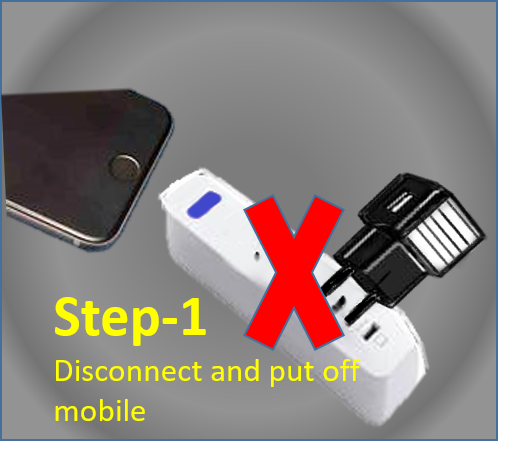
Switch off your phone. This is important to save yourself and mobile from any electric hazard especially if that instrument is wet with cleaning fluid.
2. Inspect the charging port
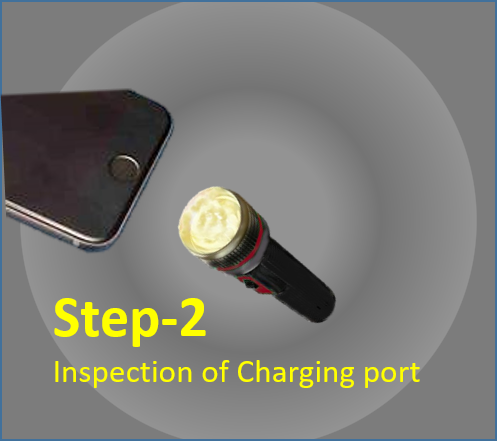
Take a close look at the charging port with a flashlight to see if there’s any visible dirt inside. If you find the port dirty then you can proceed to the next step.
3. Wrap a piece of cotton around a toothpick
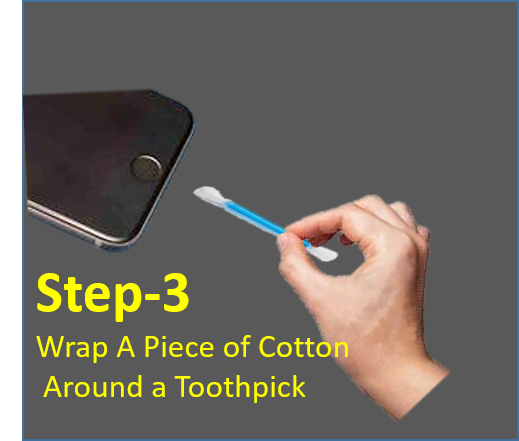
Get a small piece of cotton and wrap it around the one end of a toothpick. In order to ensure that cotton sticks to the tip of the toothpick properly, do this is by rolling both elements between your fingers. You only need to wrap enough cotton around the toothpick to fill opening of charging port, as it’s important to remember that it has to be the size of phone’s charging port.
4. Blow compressed air into the charging port
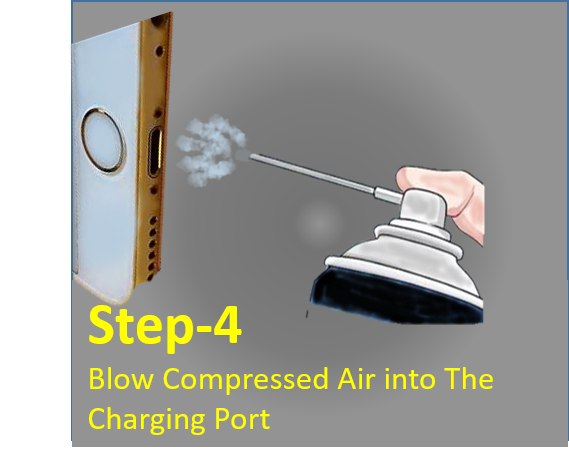
If you’ve got either a canister of compressed air or a silicone air blower at your disposal, use this tool to blow compressed air into the charging port from an angle (left- or right-sided angle). This should remove any loose dust. Remember as precaution that don’t apply too much pressure to the charging port, as this may damage your phone’s internals circuitry. As a takeaway remember that to insert compressed air in the charging port no more than two seconds.
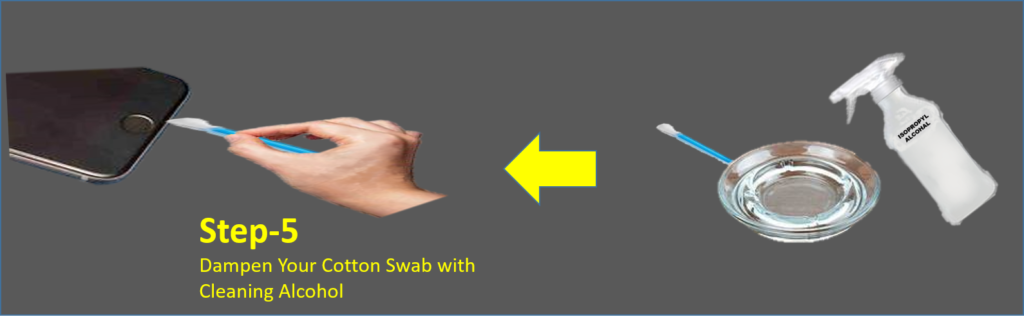
5. Dampen your cotton swab with cleaning alcohol (Optional)
Arrange cleaning alcohol i.e isopropyl alcohol is a good option. Lightly dampen cotton swab with it. On plunging around in your phone’s charging port with damped cotton swab, any persistent dirt will be loosen.
6. Drag the cotton swab from left to right, inside the charging port
Insert the tip of your makeshift cotton swab (damped or dry) into your phone’s charging port, and wiggle it from left to right. The number of times you’ll need to do this will depend on the amount of gunk inside your particular port, so we’d suggest using a torch to make sure that its free from dirt
7. Blow more compressed air into the charging port
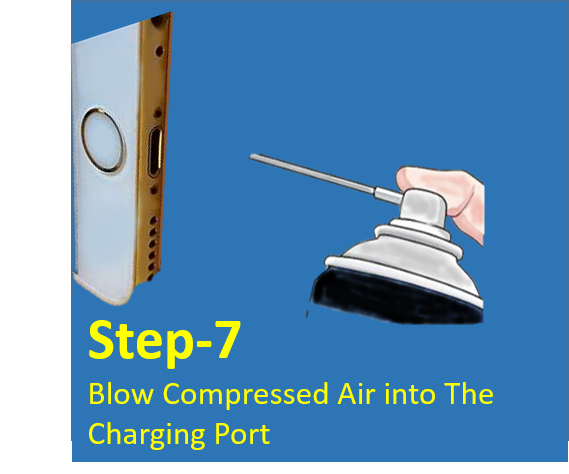
After cleaning with the damped cotton swab, remove it, blow a air into the charging port to clear any remaining loose dirt and ensuring that port is dry and free of any droplets of cleaning fluid.
As a takeaway remember that don’t use mouth to blow air into phone’s charging port, because its not enough pressure as of compressed air and at the same time it may blow unwanted moisture from your mouth into the port.
Conclusion
By following these simple steps, you can effectively clean your mobile phone’s charging port and help prevent any issues with charging or connectivity. Remember, if you’re not comfortable cleaning the charging port yourself, you can always take your phone to a professional for cleaning or repair. With a little care and attention, you can keep your mobile phone’s charging port in great condition and ensure that your device stays charged and ready when you need it.