
Find, Secure, and Track Your Android Devices
Google is introducing an interactive new feature to its Find My Device app, using which will enable to locate lost or stolen items through billions of Android devices. Google is planning to expand and modernize its “Find My Device” platform, bringing it closer in line with location-tracking services of Apple. As per plan, headphones / earbuds, tablets and other categories will be added to “Find My Device” in the coming months. This new feature is set to revolutionize the way we track and locate our belongings, making it easier than ever before to find what we’ve lost.
Applicability
The Find My Device app is available to users since few years and its primary use was to locate lost or stolen Android phones. Generally, this service is pre- installed on most Android devices, and can be accessed through the Find My Device website or app. However, Google is now expanding the app’s specifications and capabilities to include other items, such as keys, wallets, and even laptops. Like other tracking services i.e car tracking, this new feature will allow users to find the last known location of their lost item on a map and receive related alerts.
How ”find my device” will work
It operates on GPS, Wi-Fi and mobile networks and show the location of android device on a map. This app uses the Bluetooth signal from other Android devices to locate the lost item. Briefly, the location of lost item will be updated on the map, if someone else with an Android device is near it. This feature is entirely optional and desirous users will have to enable it manually in the Find My Device app.
Important Features of Google Find My Device
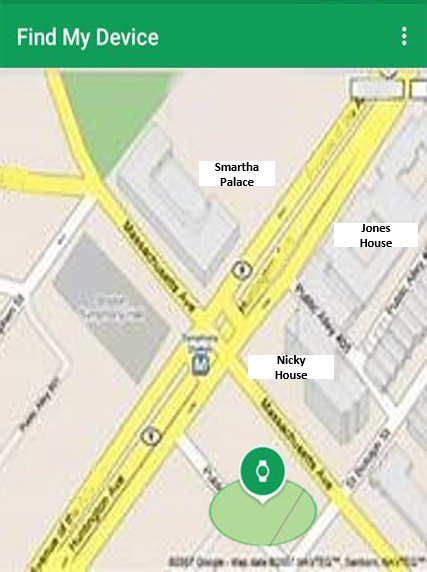
- Useful features include: –
- Ring: It allows its user to make lost item to ring loudly, even if it’s on silent mode. This helps to locate phone if it’s close by.
- Lock: If device cannot be retrieved the app allows to remotely lock it with a new password. This way, personal information is protected. App also allows to add a message with contact details to the lock screen.
- Erase: Google find my device app allows to remotely erase all the data including apps, photos, and settings from lost android phone.
Tips for Using Google Find My Device
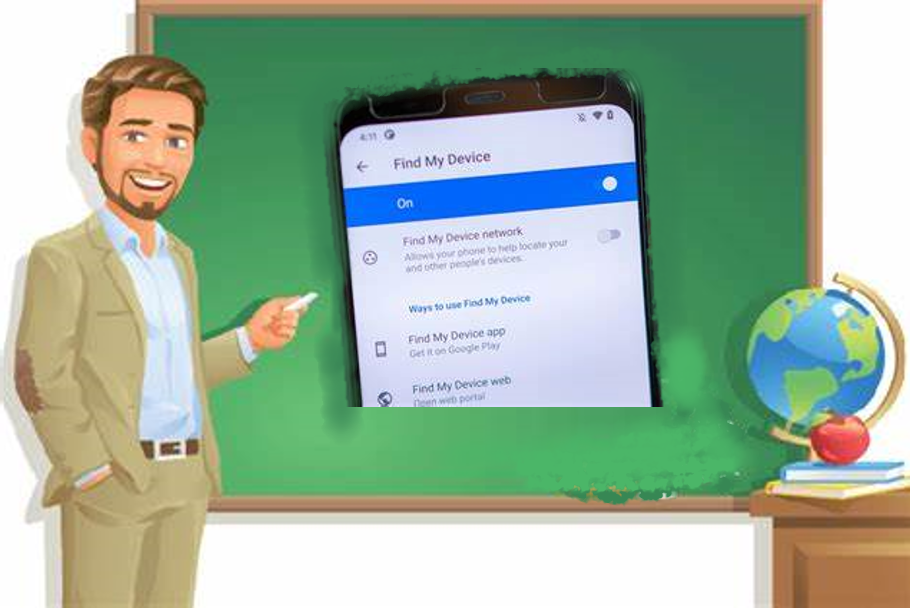
To use Google Find My Device, just enable it on your device. You can activate it through device settings under Security. After activation, log in to the service using your Google account on the website or app. A map will appear showing the location of your device and other useful features. Remember following tips:
- Keep the device connected to the internet and location services be turned on.
- Understand the permissions needed for the app to work correctly.
- Keep device’s software updated to access the latest features.
- Protect your Google account by using a strong password and keeping it confidential.
privacy
Privacy is major concern for its users. Privacy concern is mitigated by encryption of location data and availability of complete control to users over their location sharing preferences. Keeping in view the potential for malicious use of these location-tracking products, unknown tracker alerts will reveal when a tracking device is moving with you.
rolling out
The new feature will be available for latest Android devices and through software for older devices.
conclusion
In summary, Google’s Find My Device is introducing a groundbreaking new feature that will allow billions of Android devices to locate lost or stolen items. This will be beneficial for those who often misplace their belongings. Now secure, track and locate your device. This feature is optional and at the same time privacy-focused.